

Beginner Camera Guide — Everything You Need to Know to Start Shooting
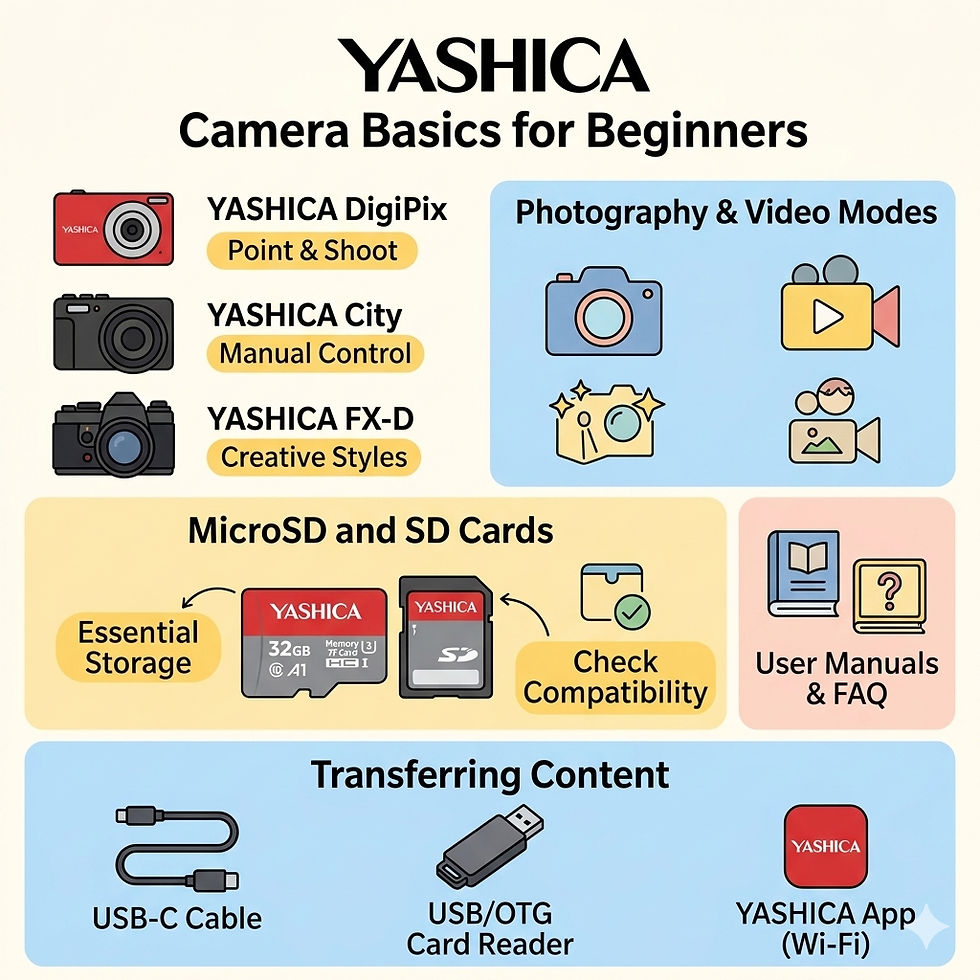
For beginners, using a digital camera for the first time can feel overwhelming. But once you understand the basics — shooting modes, storage, and file transfer — the process becomes simple and enjoyable.
Understanding Photo and Video Modes
Modern YASHICA cameras are designed to handle both photography and video.
Photo mode (default) is best for capturing still moments, with features like zoom, scene modes, and creative effects.
Video mode allows you to record clips with audio for social media, travel logs, or personal memories.
YASHICA Compact cameras like DigiPix and Tank focus on ease of use, while City Series provide more control and flexibility. For users who want creative styling, FX-D cameras offer film-inspired shooting modes. Our camcorder lineup doesn’t just record video, it also features a built‑in photo mode, so you can switch seamlessly between motion and stills whenever inspiration strikes.
Storage: Why microSD Cards Matter
Unlike smartphones that have built-in storage, most digital cameras require external storage to store photos and videos. A microSD card or a SD card (for FX-D Series only) is essential for storing your images and videos. Without one, most cameras cannot save files.
Choose a card with enough storage for your needs. Be aware of the compatibility: some card’s storage may be too large for your camera. It is worth checking the camera’s user manual for detailed information. User manuals for all YASHICA cameras are available here.
We also recommend purchasing memory cards from reputable brands to ensure stable performance and reduce the risk of file corruption or data loss. If you have additional questions about supported cards, storage limits, or formatting, you can also refer to our FAQ section for more detailed guidance.
Consider faster cards if you plan to shoot video frequently
Always back up your content before formatting the card, as this will erase all files in the card
Transferring Your Photos
After shooting, you’ll want to move your files to another device for viewing or sharing.
USB Card ReaderRemove the microSD or SD card and insert it into a card reader connected to your computer. This is one of the fastest and most reliable ways to transfer files. The YASHICA USB card reader is available on www.yashica.com
OTG Card Reader (for mobile devices)An OTG (On-The-Go) adapter allows you to connect your microSD card directly to a smartphone or tablet, making it easy to view and share images instantly.
USB-C Cable ConnectionMany cameras can connect directly to a laptop using a USB-C cable. Once connected, your camera appears as a storage device, allowing you to drag and drop files.
YASHICA App
YASHICA City Series, FX-D Series and JOURNEY can be linked to the YASHICA App via Wi-Fi for seamless file transfer. Please visit this page for more information and step-to-step instructions.
Learning how to shoot and transfer photos is the foundation of photography. Mastering these basics ensures a seamless experience from capture to sharing.


Comments